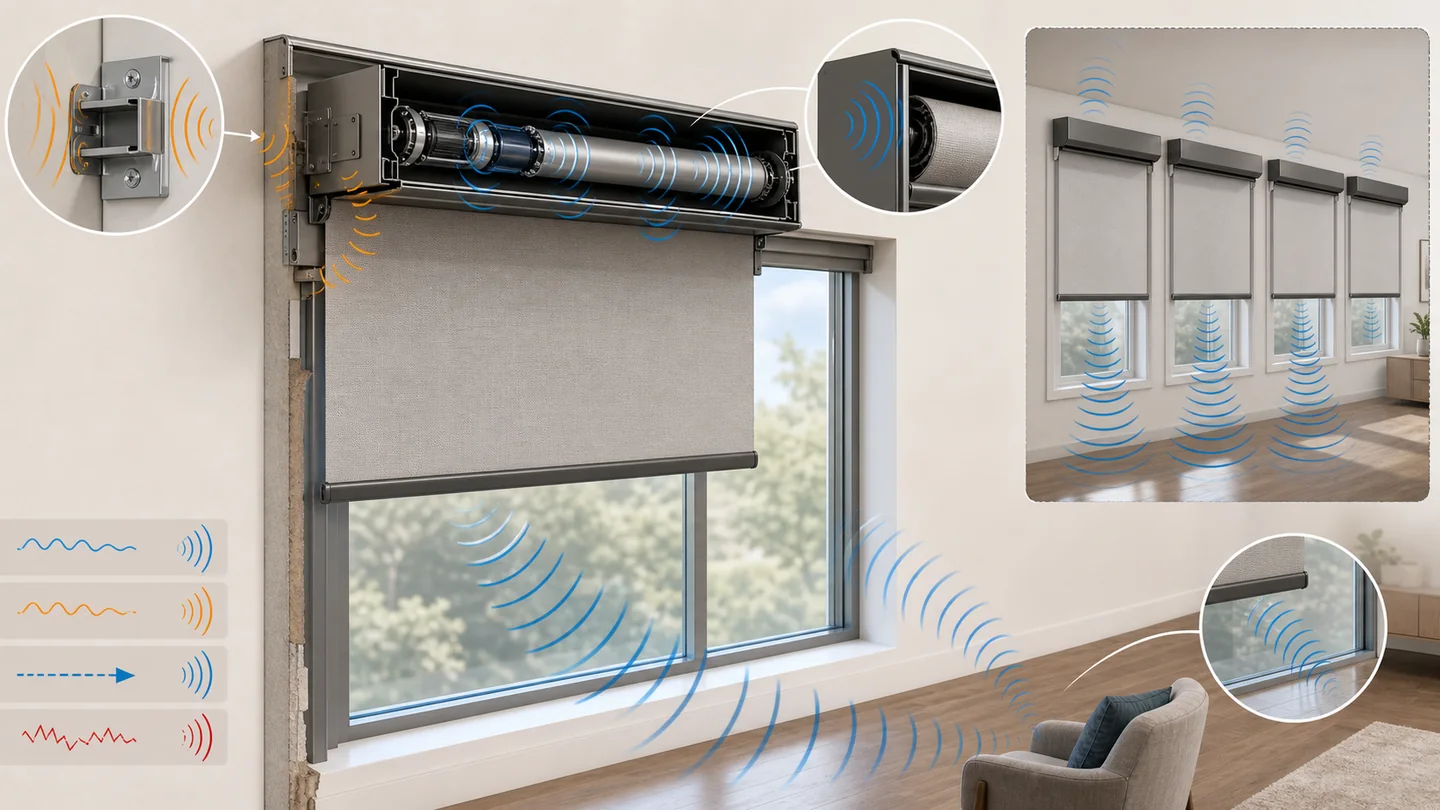
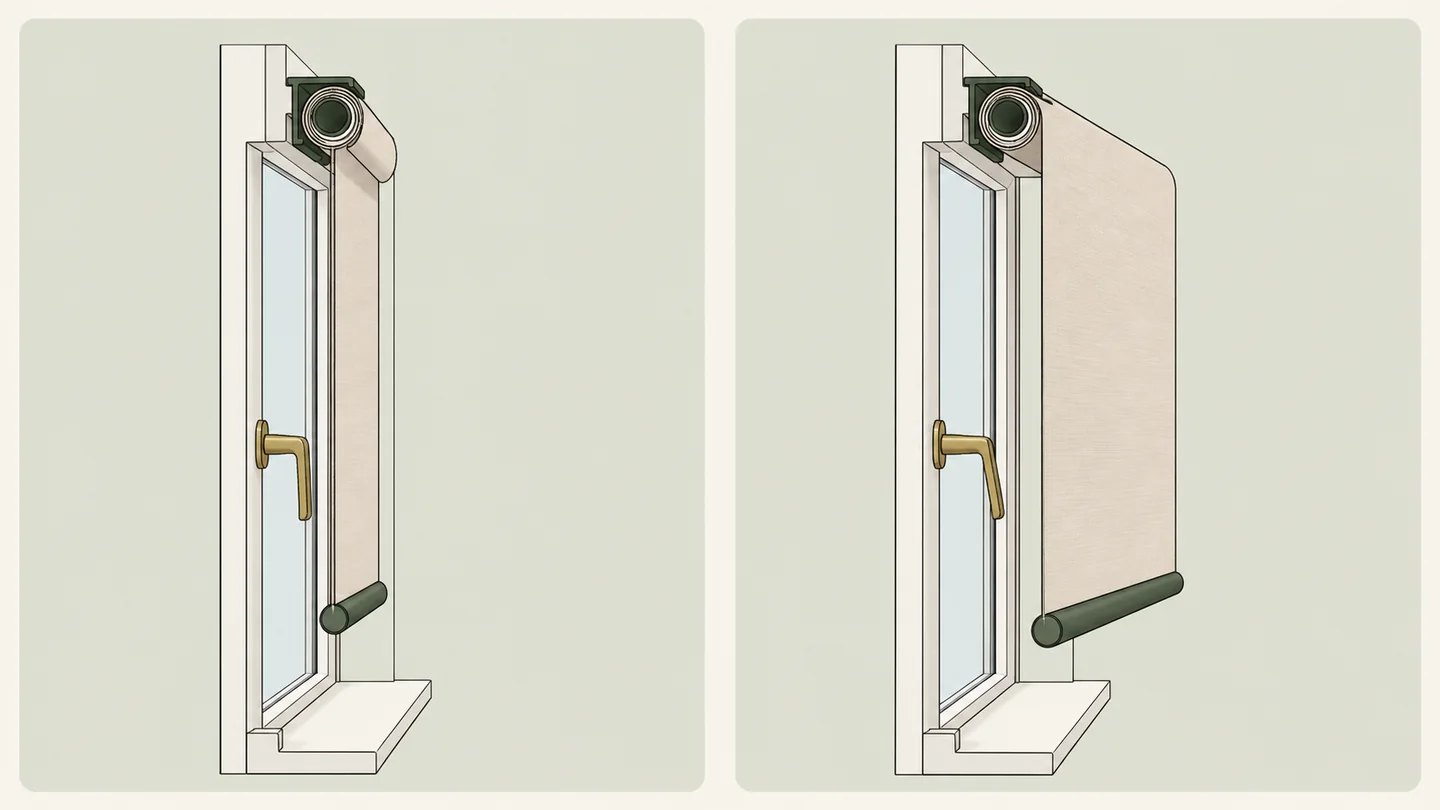
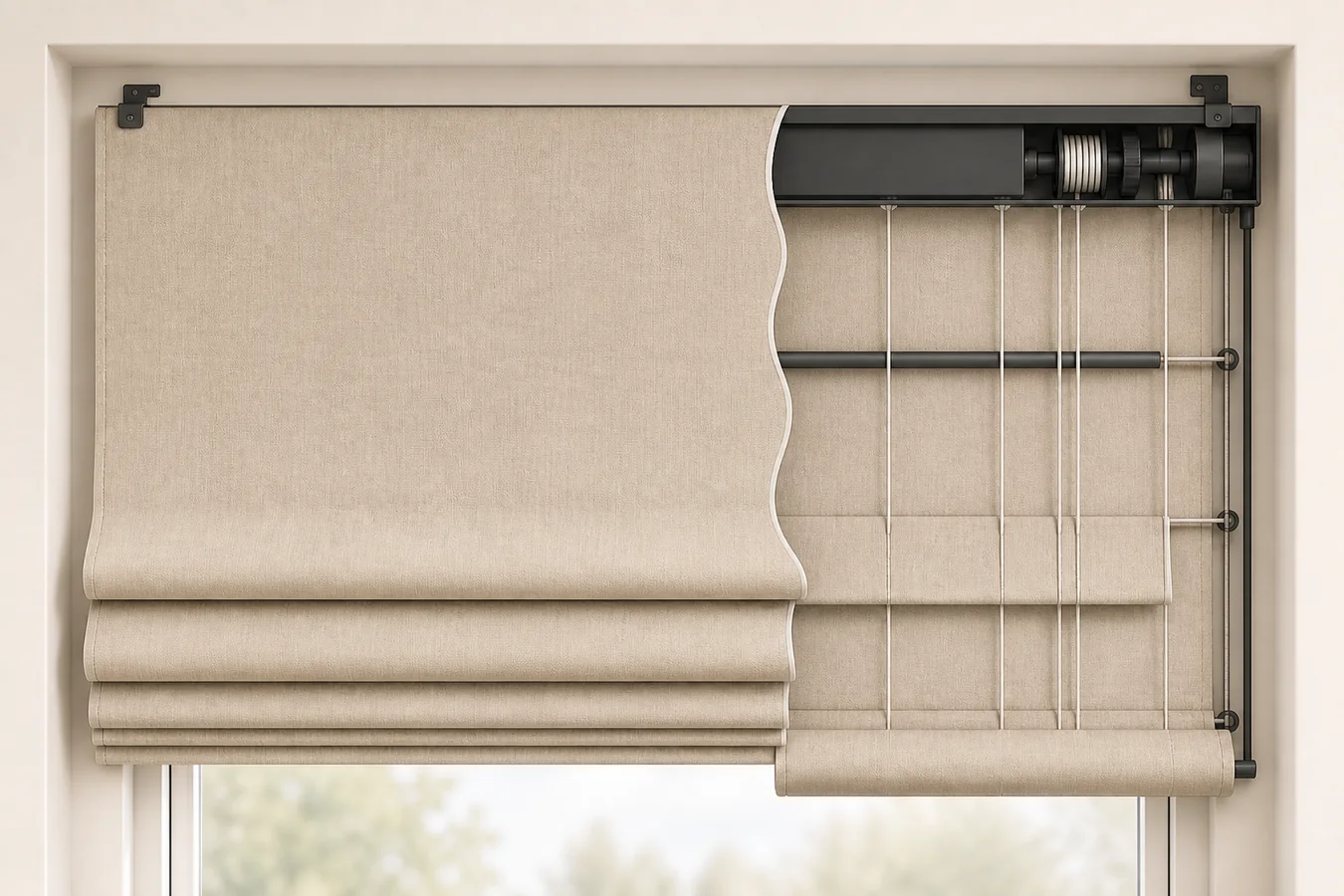
“Close the west shades at sunset” sounds like a window-treatment automation. It is only a trigger attached to a vague movement. It does not identify the approved shade position, say when the command should be cancelled, reopen the room later, preserve a manual route or explain what happens when power, network or hub state interrupts the plan.
A purchase-ready automation is a behavior contract: these exact treatments move to this reproducible state when this event occurs, but not under these conditions; this later event releases the state; this control still works manually; and this signal tells the owner how to recover. Choose the motor and platform only after that sentence is complete.
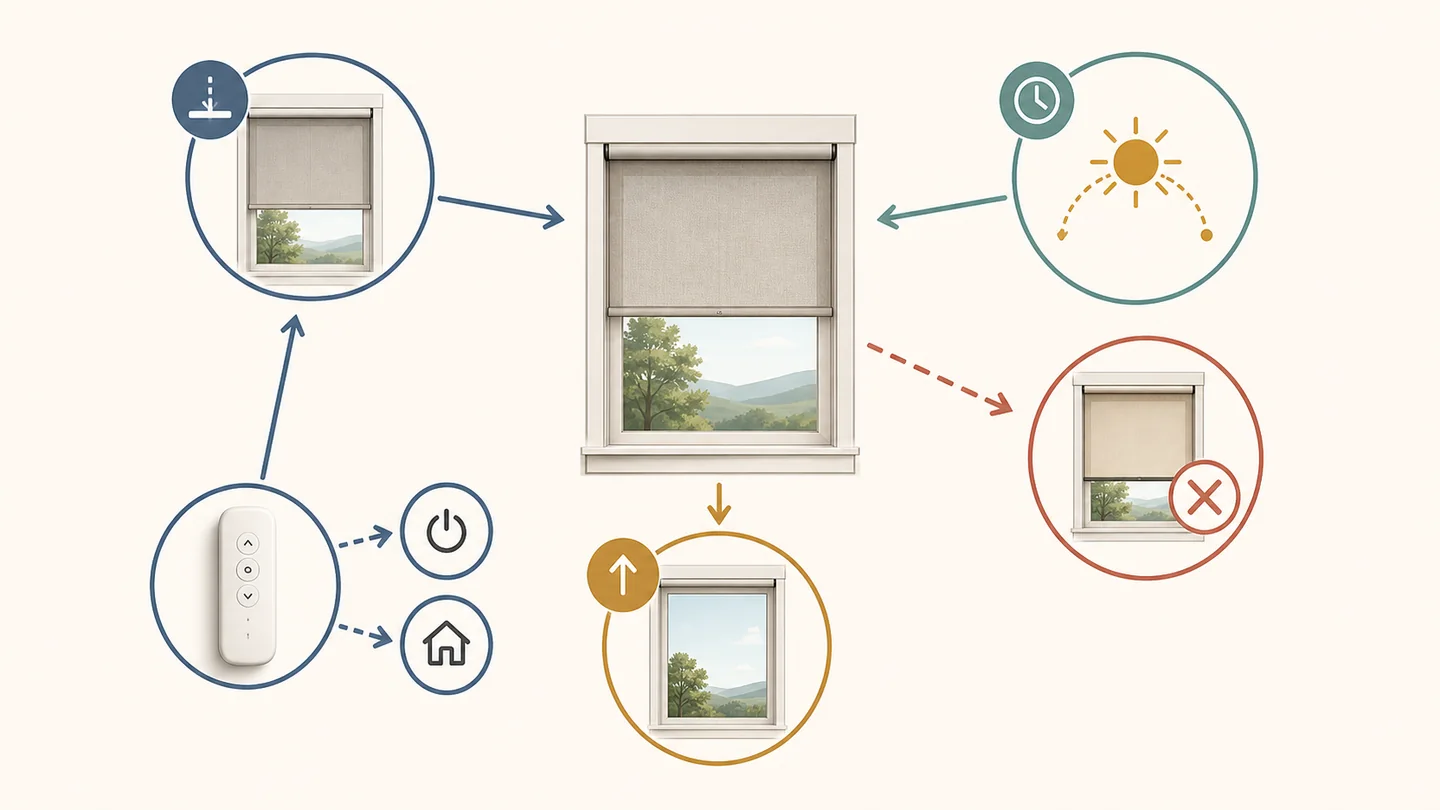
The trigger is only one path. A usable automation also needs an approved shade state, a cancel branch, an exit event and a manual recovery route.
A schedule is the last field, not the first
Begin with a repeated room job: stop the late-afternoon glare at a desk, restore privacy when interior lights become visible from outside, or open a bedroom after the agreed wake time. Then name the exact treatments and the state that solves that job. Only after those fields are stable should a clock, sunrise, sunset, scene or sensor be allowed to initiate the move.
| Contract field | What must be written | Evidence that closes it |
|---|---|---|
| Room job | The recurring glare, privacy, access or routine problem | One observed moment when manual movement solves the problem |
| Members | Every exact shade included, plus any nearby shade deliberately excluded | Named windows and group membership in the proposed system |
| Target state | Open, closed, approved partial height, vane angle or another documented position | The exact product can reproduce that state without an unresolved obstruction |
| Trigger | Fixed time, sunrise/sunset, scene, sensor or manual start | Current documentation for the exact app, hub, motor and region |
| Cancel branch | The condition that prevents or pauses the move | A supported rule, a deliberate manual decision or a different control system |
| Exit event | The later event that reopens, releases or supersedes the state | A second supported command with no unresolved conflict |
| Manual path | The remote, wall control, device button or other documented fallback | The exact action and what still works when optional dependencies are unavailable |
| Failure and recovery | Power, network and hub dependencies; visible failure signal; responsible person and recovery action | Current support documentation and safe service access |
The output is not always “automate.” If the exact system cannot express a necessary exception, keep that movement manual. If it cannot reproduce the approved state, change the motor or treatment. If a recovery requires unsafe access, change the power or service plan. A vague promise to “set it up later” is a HOLD, not a feature.
Choose a shade state the motor can actually reproduce
“Close the shade” may be precise for a simple roller product, but it can be incomplete for a treatment with lift and vane movement, multiple panels or product-specific limits. Hunter Douglas’s current PowerView Gen 3 app record, for example, distinguishes ordinary shade positioning from sheer products that use one slider for open/close and another for vane rotation. That fact belongs only to the named system, but it exposes the right purchase question: which physical state does the room need, and can this exact configuration save and reproduce it?
Position labels are not transferable evidence. Fifty percent in one app may describe openness, closure or a control value differently from another product. Custom limits can also depend on shade type; the current PowerView limit record says available limits vary by product and warns that obstructions must be removed. Approve the state at the actual window before building the schedule around it.
If the control route is still undecided, trace the exact motor, protocol, hub or bridge in the smart-blinds compatibility guide. That public pillar settles the connection path; this page begins one step later, with the behavior that path must deliver.
Let the room decide between clock time and the sun
A fixed time fits a routine tied to the household clock: a bedroom remains closed until an agreed wake time, or a media-room scene begins at a known hour. Sunrise and sunset move with the calendar, which can fit dawn or evening-light tasks better. Somfy’s current TaHoma schedule FAQ documents scheduled scenes at a specific time, sunrise or sunset. The manufacturer-hosted Automate Pulse 2 guide similarly separates saved scene positions from time- or sunrise/sunset-based timers.
Those records prove named trigger choices, not the result at your glass. Sunset is an astronomical event; it does not tell you when a street-facing room first exposes silhouettes. Sunrise does not prove that an east window receives unobstructed light. A west-facing desk may experience its worst glare well before sunset. Observe the room event, then decide whether a fixed time, solar event or more conditional system is the closest honest trigger.
For a desk-glare task, settle the fabric and exact position in the office-blinds decision guide. For a screen-like solar fabric, the motorized solar-shade guide keeps openness, color, night privacy and power separate from the timer.
Write the event that cancels the move
An automation can execute perfectly and still be wrong for the room. The scheduled glare position may be useful on a workday but intrusive during a presentation that needs a different camera background. A privacy close may be wrong while a door or window operation is in progress. A household member may have deliberately changed the shade and expect that manual choice to persist.
Write the exception as a sentence before asking whether the platform supports it: “Move the two west office shades to the approved glare position at 3:20 p.m., except when the presentation scene is active or a manual hold has been set.” The exact names and logic will vary. What matters is that the cancel branch has an owner.
If the proposed app cannot express that condition, there are only three honest outcomes: simplify the routine so the exception is unnecessary, leave the move manual, or select a control system whose current documentation supports the required logic. Do not hide the gap behind a voice-assistant logo or an installer promise to experiment after purchase.
Every closing routine needs a way back out
A sunset close without a morning release leaves the room in yesterday’s state. A glare routine without a later reopen sacrifices daylight and view after the sun has moved. An away scene without a return event can keep controlling the home after the household is back. The exit is a separate command, not the assumed opposite of the trigger.
Name the release event and the state it restores. It might be an agreed clock time, sunrise, a manual scene or another documented condition. Then check for overlap: if one rule closes at sunset and another opens at a fixed evening time, their seasonal order may change. The system needs one clear winner, or one of the routines should be removed.
Manual control is also an exit. The hosted Pulse 2 guide documents pausing timers and stopping a moving scene within that named app, but another system may expose different controls. Ask whether a manual change merely interrupts the current movement or prevents the next scheduled command too. If the documentation does not answer, treat the behavior as unverified until the exact system is demonstrated.
A group command is not a synchronization promise
Putting four or twelve shades in one scene proves membership, not identical start time, speed or finished alignment. The distinction matters across a wide window wall where staggered movement is visually unacceptable, and it may not matter at all when shades are in separate rooms.
Hunter Douglas provides a useful product-scoped counterexample. Its current PowerView Gen 3 alignment record says the app without a Gateway triggers shades in randomized groups of four, while a Gateway supports aligned activation within a room. Do not generalize those numbers to another brand. Use them to make the quote answer two different questions: which shades receive the command, and what synchronized appearance is actually supported?
Also separate synchronized start from equal travel. Shade size, fabric, limits and motor configuration can still affect when movement finishes. If alignment is a visual requirement, put the exact group, start behavior and acceptance condition in the proposal instead of relying on the word “scene.”
Failure belongs in the quote, not the troubleshooting drawer
Every automatic path depends on something: motor power, a remote or wall control, radio reach, an app account, a home network, a brand hub, a third-party controller or a cloud service. The dependency stack varies. The motorized-shade power guide owns the charging, solar-accessory and hardwired choice; the behavior contract records what a missed movement looks like and who can restore service.
Ask for four failure facts. First, which commands still work when the phone, internet or optional hub is unavailable? Second, how does the user learn that a scheduled move failed rather than assuming the room conditions never occurred? Third, does recovery require re-pairing, recalibration, charging, a network action or manufacturer support? Fourth, can the responsible person reach the control and power hardware safely?
The access question changes the design. A remote solves daily reach at a tall window, but not a battery, reset control or removable motor mounted above safe standing height. Use the high-window lifecycle guide when routine recovery would otherwise recreate the ladder problem. For an added motor on an existing covering, the retrofit guide verifies the mechanical motion and local control before automation is layered on top.
Ask the seller to approve one complete sentence
Send one behavior sentence with the quote instead of asking whether the shade is “fully automated”:
Automation request: “At [named windows], move [exact treatment and motor] to [approved position or vane state] when [fixed time, sunrise/sunset, scene or documented condition] occurs, except when [cancel condition]. Restore [exit state] when [exit event] occurs. Confirm [manual control], whether [group/alignment requirement] is supported, every power/network/hub dependency, the visible failure signal and the recovery action that [responsible person] can perform safely.”
The answer should name the exact product, motor, app or controller, required hub, current documentation and any behavior the system cannot support. If the response replaces one of those fields with “smart,” “compatible” or “we will configure it later,” keep the automation manual or place the proposal on HOLD.
Once this sentence is closed, return to the Smart Motorized Blinds Planner and connect the accepted behavior to measurement, shade type, power and room decisions. The schedule is ready only when the room has a defined way into the state, a defined way out and a safe human path through the middle.