A picture that looks sharp on a laptop has cleared only one test: the file can be displayed on that laptop. It has not proved that the subject survives a window-shaped crop, that the pixels hold up at full print size, that the right face of the fabric will be printed, or that the colors still work with daylight behind them.
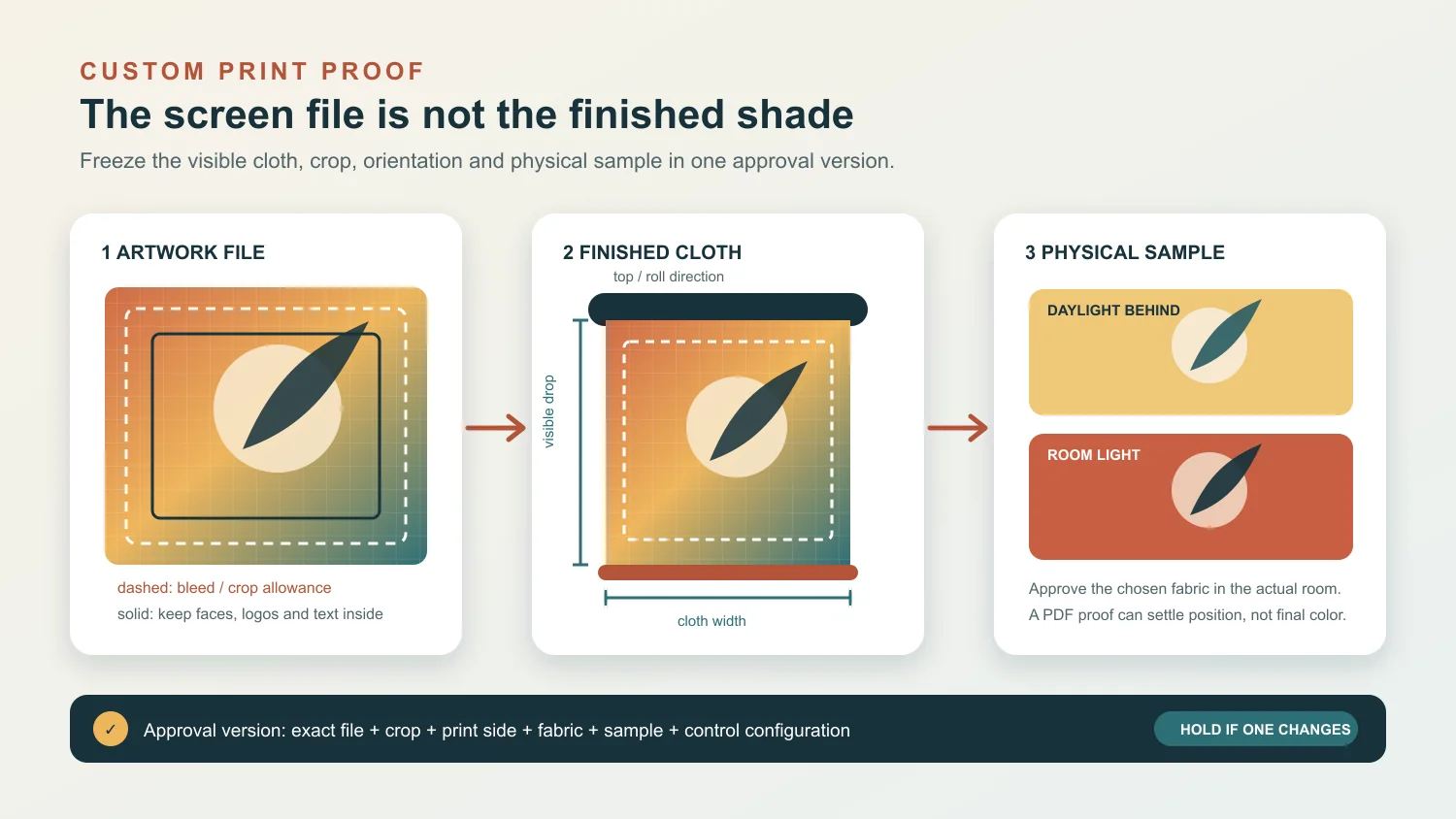
The safest order starts with the finished shade rather than the artwork. Ask the selected seller to identify the exact printable cloth for the chosen product and control. Build the crop on that rectangle, check the artwork at final size, mark the top and printed face, then approve a physical sample on the chosen fabric in the room. The final production approval should name that exact file, crop, fabric and shade configuration.
If the window still needs a shade-family decision, settle that first with the roller, cellular, Roman and zebra shade comparison. Custom printing cannot rescue the wrong mechanism.
The printable area is smaller than the window
Four widths can appear in one order: the raw opening, the ordered shade, the completed headrail or cassette, and the cloth. They are not interchangeable. A roller mechanism can be wider than its fabric, and a seller may apply deductions or printable margins that are not visible in a room mockup.
Keep the opening measurement in the smart-shade measurement checker. Do not convert it into an artwork template yourself. Request these values from the printer or shade supplier instead:
- exact product, control and roll configuration;
- ordered shade width and drop;
- finished cloth width and maximum printed drop;
- any unprinted edge, bleed, wrap or safe-area requirement;
- the part of the image visible at the useful lowered positions.
That last line matters. A design can be technically edge-to-edge and still put a face, logo or caption behind a cassette, inside a roll, under a hembar or above the position where the shade normally stops. An outside-mount roller shade also has a coverage job that remains separate from its printable cloth.
Crop the moving shade, not a static rectangle
Bleed gives the printer material beyond the intended trim or edge. A safe area keeps important content away from that uncertain edge. The exact amounts belong to the selected provider; they are not universal roller-shade dimensions.
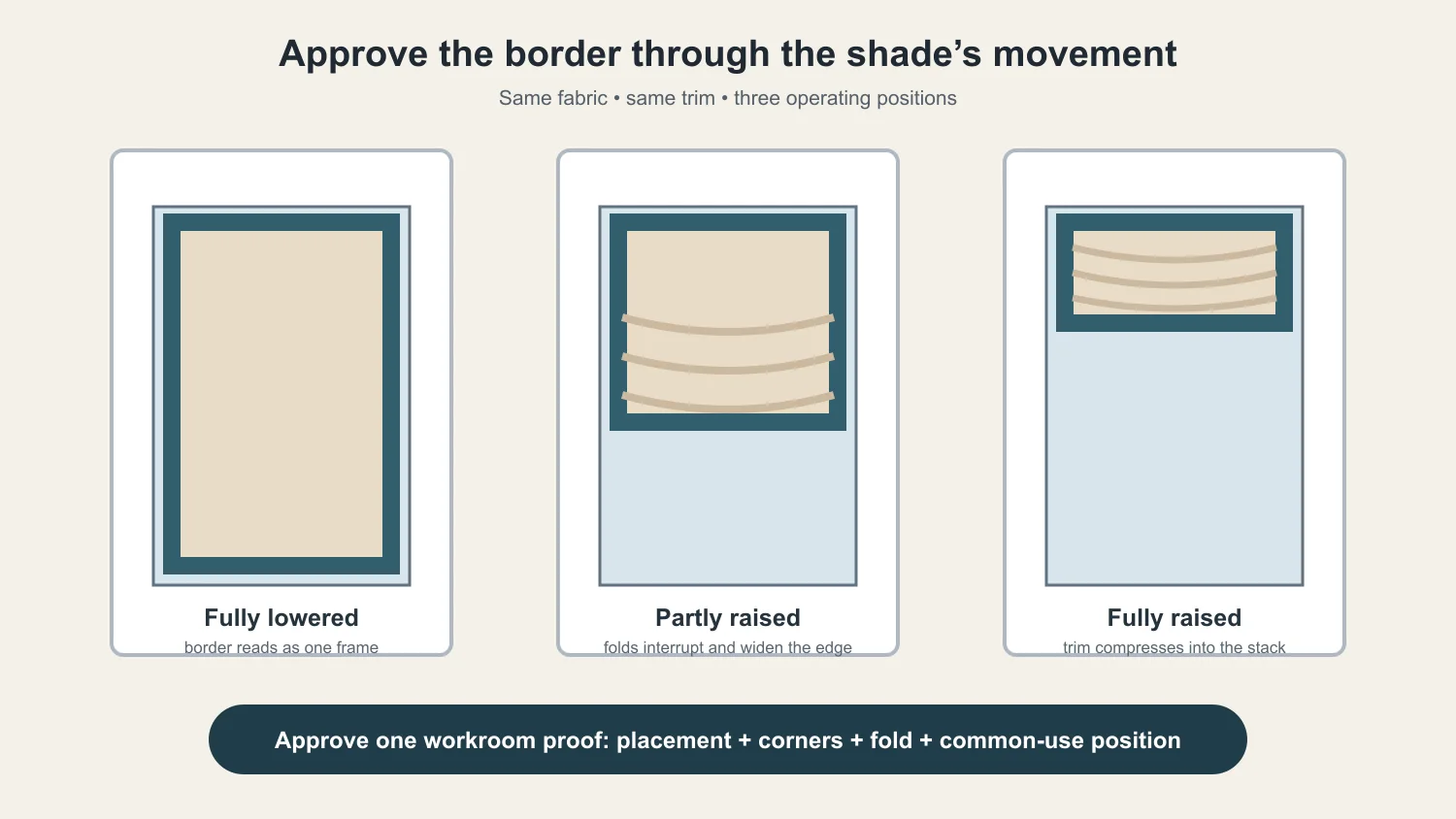
The artwork should be previewed at the shade positions the room will actually use. A full-drop landscape may look balanced while closed but lose its subject when the shade is left halfway down. A repeating pattern may tolerate that movement; a portrait, logo or line of text usually will not.
For multiple shades across one opening, place the panel boundaries on the art before accepting a proof. Decide whether each cloth receives an independent crop, whether a motif may cross a gap and what the room should show when adjacent shades stop at different heights. One continuous screen mockup cannot answer those questions.
Resolution changes when the image becomes furniture
Pixel resolution is meaningful only at a stated print size. The useful calculation is simple:
Effective PPI = image pixels on one axis ÷ printed inches on that axis.
A 3,600-pixel-wide file produces 150 pixels per inch at 24 inches wide and 75 at 48 inches. That arithmetic does not declare either result acceptable; it tells you which number to compare with the selected printer’s rule.
Current providers publish different requirements. Hunter Douglas Hospitality currently requests a high-resolution TIFF at 300 ppi minimum or vector artwork for its custom program. TEXTON’s February 2026 file guide asks for pixel images at a minimum of 150 ppi at full size and also specifies its own file, color and bleed workflow. Those are two program rules, not a range that every printer must accept.
Vector artwork can protect clean edges on logos, type and simple shapes, but placed photographs and textures inside a vector file remain pixel images. Ask the prepress contact to inspect those linked elements at final output size. A file extension alone does not prove the contents are scalable.
The print has a front, a top and a rolled state
Annotate the proof as though the person producing it has never seen the room. Mark the top of the image, the room-facing side, the glass-facing side, the bottom-bar edge and the chosen roll direction. If the shade is meant to advertise outward as well as decorate inward, state which view has priority instead of assuming one print serves both.
The current TEXTON custom-print program says its default print is on the inside-facing fabric side and directs double-sided requests back to the company. Another supplier may use another construction. Treat print side as an order field, not a category fact.
Roll direction can change where the fabric sits relative to the glass, hardware and viewer. If a reverse-roll shade is under consideration, approve the art only after that roll is part of the exact quote. A cassette roller shade can also hide more of the upper cloth in ordinary positions. The proof should show the finished assembly, not an isolated rectangle.
Choose the fabric before approving color
The same image is not the same print when the substrate changes. Weave, coating, opacity and the light behind the shade can alter contrast, apparent color and whether small details remain legible. A light-filtering fabric can make the image luminous during the day; it can also reduce local contrast. A blackout substrate may hold a different room-facing appearance while the perimeter still follows the finished roller geometry.
TEXTON’s current custom-print guidance recommends reviewing samples in the client’s room because lighting changes color perception. Hunter Douglas Hospitality describes a digital CAD followed by physical samples and notes that color matching may require several sample rounds. Neither statement guarantees what one file will look like on one window.
Use the exact sample twice: once with daylight behind it and once under the room lighting that matters after dark. If the room needs a separate opacity decision, move that work to the light-filtering roller shade guide or the light-filtering versus room-darkening comparison. This page keeps the approved image attached to whichever fabric wins that decision.
A PDF proof and a fabric sample answer different questions
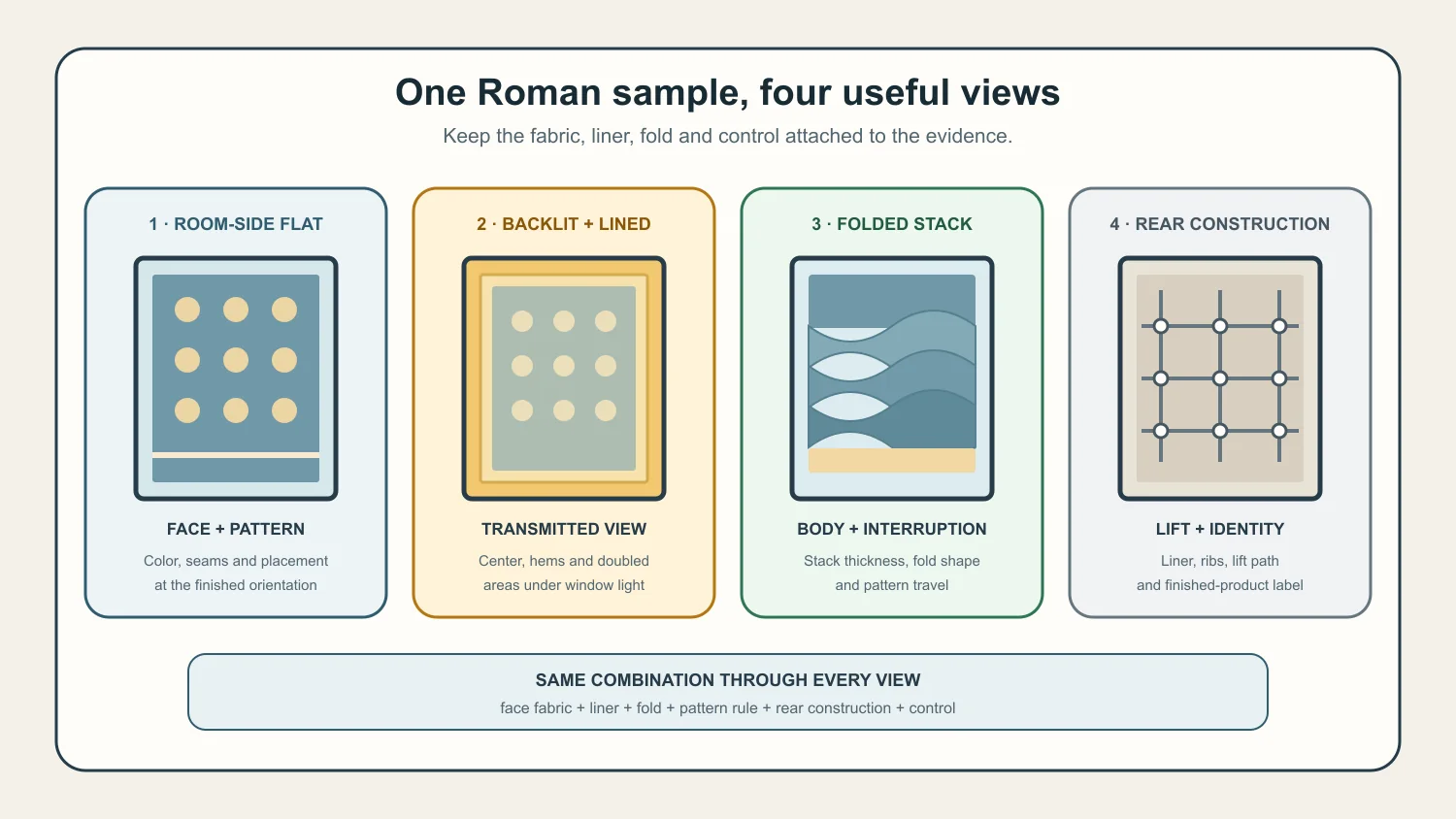
A digital proof is useful for crop, scale, orientation, spelling and version—provided the supplier says those items are included in its approval. It cannot reproduce the woven surface, coating, transmitted light or every color shift between a display and a production printer.
One current print provider, Discount Displays, explicitly separates a PDF content-and-position proof from an optional machine-printed color proof. Its product and UK-specific values do not govern a US shade; the useful lesson is that “proof” needs a named scope.
- Digital layout proof
- Is this the correct file, crop, orientation, panel split, text and position?
- Physical fabric sample
- Is this the correct substrate, print process and appearance under the room’s relevant light?
- Finished configuration proof
- Is the approved art attached to the exact shade size, print side, roll, control and hardware choice?
If a supplier combines those into one process, the final approval can reference one document. If it does not, a passed layout proof must not silently stand in for a fabric decision.
Name the file you are sending to print
A family photo, commissioned illustration, downloaded image and company logo can carry different rights. The U.S. Copyright Office explains that an original photograph is generally owned initially by the person who takes it, subject to exceptions such as qualifying work made for hire. Buying or possessing a copy of an image does not by itself settle reproduction authority.
The production record does not need to decide a legal dispute. It does need to identify the creator or source, record the license or permission being relied on, and stop when that authority is unclear. For a company mark, also confirm that the approved artwork is the current brand version and that the person ordering the shade is authorized to use it in this setting.
Give the final file a revision name that cannot be confused with earlier proofs. “Final,” “final-2” and an unlabeled email attachment are weak production identities. A project name, shade location, artwork revision and approval date are easier to reconcile with the quote.
Freeze the production version
The final handoff should fit on one page and identify five connected things:
- the exact shade product, control, ordered size and seller-confirmed finished cloth;
- the artwork filename/revision, final-size pixel or vector status, crop, bleed and safe area;
- top, bottom, print side, roll direction, panel split and useful lowered position;
- the exact fabric plus the approved digital proof and physical sample;
- the artwork source/permission record and the person/date that approved production.
Approval applies to that combination. A later change to shade width, cloth, crop, fabric, print side, roll or control returns to the affected proof. The honest result may be approval, an artwork revision, another fabric or layout, a split opening, a request for rights or vendor evidence, or a hold before a custom product becomes nonreturnable.