A blackout blind is a lighting control, not eye treatment. It may make screen work more comfortable when direct sun, a reflected window or a very bright background is contributing to the problem. It cannot tell you why your eyes hurt, and closing it all the way is not automatically better.
The useful question is not “Are blackout blinds good for eye strain?” It is “Does changing this window remove the light path that bothers me?” If the answer is yes, preserve the least-dark shade position that fixes that path. If nothing changes, a darker fabric is not evidence of a solution.
Run the window test before buying a darker shade
Run the test at the time and seat where the problem normally appears. Leave your ordinary display, type size and work task in place. Change one condition at a time; otherwise, you will not know whether the shade, a break, a moved monitor or a different room light made the difference.
| What you see from the normal chair | Change only this | What the result means | Next decision |
|---|---|---|---|
| A window, bright rectangle or sun patch reflected in the screen | Lower the blind only until that reflection disappears | If the reflected patch and discomfort fall together, the window is a plausible contributor | Keep that partial position; full blackout has not earned a job |
| Sun reaches your eyes, keyboard or glossy work surface | Block the beam while leaving the rest of the room unchanged | Improvement points to direct glare, not a general need for darkness | Choose enough opaque coverage to intercept the beam at the problem time |
| The window sits behind the monitor and dominates your field of view | Partly lower or diffuse the window without moving the monitor | Improvement points to a large background brightness difference | Prefer a repeatable balanced-light state over an all-day closed state |
| The fully closed blind makes the display feel like a bright rectangle in a dark room | Restore soft room or task light without allowing a screen reflection | Improvement means full blackout created a second contrast problem | Keep blackout for the beam or privacy task, but pair it with non-reflecting ambient light |
| The same discomfort remains through open, partial and closed states | Return the window to the most useful room state | The window has not proved ownership of the problem | Pause the shade purchase and investigate screen habits, vision and other workstation factors |
Treat this as an observation sequence, not a medical test. OSHA’s computer-workstation guidance identifies direct glare, reflected glare and large brightness differences as lighting problems and suggests controls such as blinds, diffusers and workstation orientation. CCOHS guidance on eye discomfort similarly treats reflections, contrast, window light and monitor position as factors rather than declaring one covering a cure.
Repeat the winning change once on another comparable day before you build a purchase around it. Sun angle and cloud cover move; one comfortable hour can show a useful state, but it cannot prove a health claim or a universal schedule.
If the screen acts like a mirror, block the reflection—not the whole day
A reflection is a path: window to screen to your normal eye position. With private material closed and the display briefly dark, look from the chair for the window outline or a hard bright patch. Then return the display to normal and lower the blind in small steps. Stop when that reflected source no longer interrupts the task.
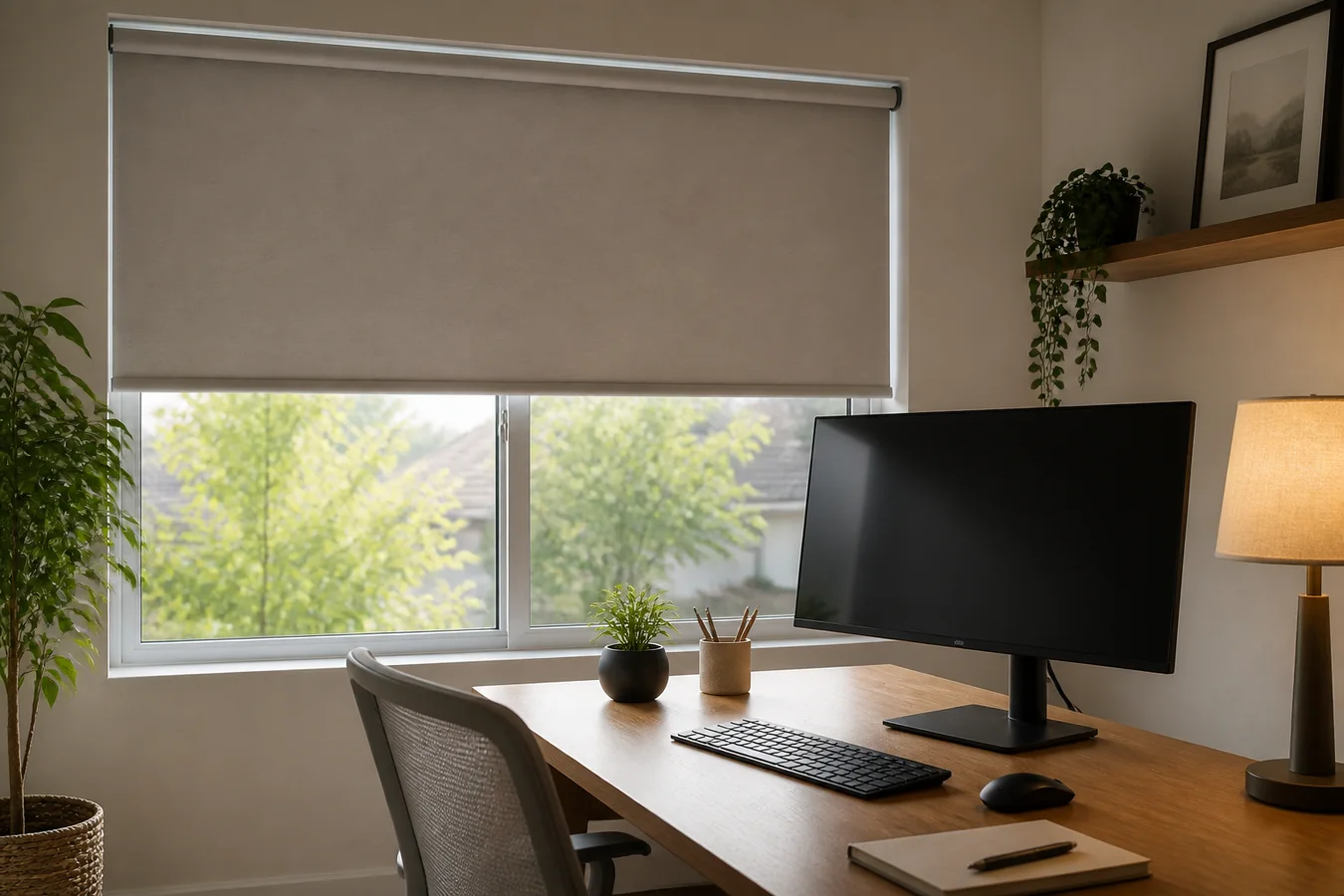
This is where a blackout roller can help without being fully closed. Its useful position may cover the upper part of the glass while preserving diffuse daylight below. If the reflection moves during the afternoon, several manual positions—or one repeatable motorized position for the critical hour—may be more useful than a permanent blackout state.
The monitor angle can remove the path before fabric does. CCOHS recommends placing a monitor at right angles to windows where practical and using adjustable blinds to control light. A modest desk rotation can therefore outperform a darker shade while keeping the room brighter. Move the display, not your body into an awkward working posture.
If you want the window to remain luminous rather than opaque, compare the exact material through the light-filtering roller shade test. A light-filtering fabric can soften the source, but only the real window and screen angle can show whether it removes the troublesome reflection.
If the window is behind the monitor, reduce the brightness gap
A window does not need to appear in the screen to make work uncomfortable. When it sits directly behind the display, your eyes repeatedly move between the darker screen content and a much brighter background. OSHA notes that high contrast between the screen and surrounding area can cause eye fatigue and headaches.
The first move is usually to reduce that gap, not erase the room. Partly lower the shade over the brightest portion, try a diffuse light-filtering state, or turn the desk so the window falls to the side. Keep the display free of direct lamp reflections. If the window still needs to close for privacy, add soft room or task lighting that keeps the surrounding field visible without shining into the screen.
Do not judge this branch from the center of the room. Sit at the actual viewing distance and use the screen content that tends to expose the problem. A bright white document, a dark design canvas and a video call can create different relationships with the same window. The shade behavior should serve the recurring task, not a showroom impression.
A dark room can create a second contrast problem
Blackout is valuable when you truly need to intercept a beam, protect a presentation from a bright window or create a private closed state. But a fully lowered opaque shade also removes useful ambient light. If the screen becomes the brightest object in the room, closing more fabric has stopped addressing the original path and may create another large brightness difference.
Compare two states at the problem time: full blackout with only the display on, then the same closed shade with a softly lit wall or shaded task lamp outside the screen’s reflection path. If the second state is more comfortable, the blackout blind is doing one job—blocking the window—while balanced room lighting is doing another. Keep both jobs explicit.
Do not solve this by aiming an exposed bulb at the display or by turning screen brightness into a contest with the window. The goal is a workable visual field, not the darkest room or the brightest screen. For a room that also needs low edge light for sleep or media use, the motorized blackout shade room guide handles fabric, mount and gap control as a separate decision.
Choose a shade behavior, not a health promise
The isolation result should select what the covering must do. It should not select a product that promises to be “best for eye strain.”
| Proven light problem | Smallest useful behavior | Product path to compare | What would be excessive |
|---|---|---|---|
| Direct sun or a hard reflected patch | Opaque coverage that stops at the offending angle | Blackout or room-darkening shade with a useful partial position | Treating complete darkness as the goal |
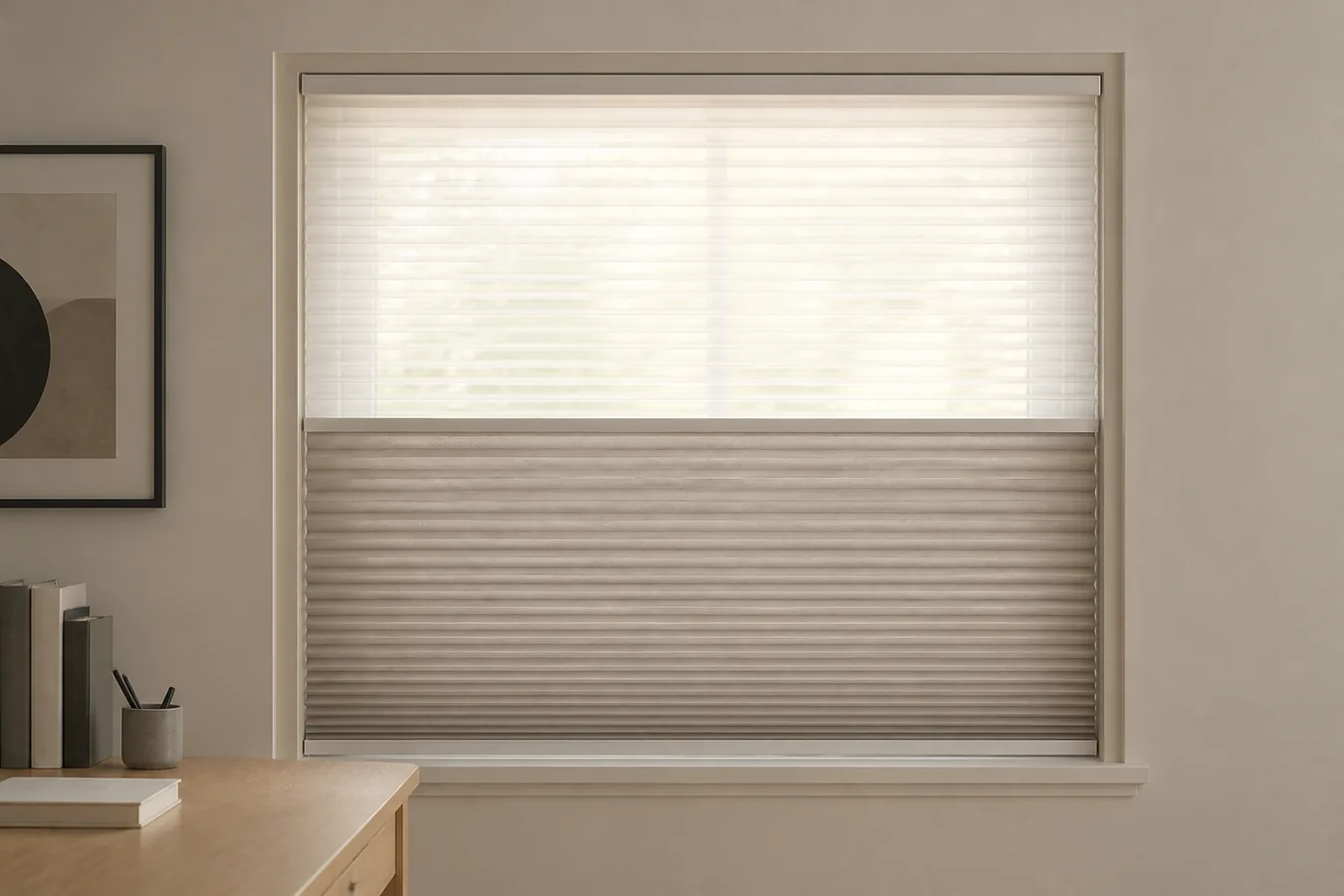
| Broad bright window behind the screen | Lower and diffuse the background luminance while preserving room light | Light-filtering shade or a layered daylight/opaque path | Choosing fabric from the word “blackout” alone |
| A light path that changes by angle through the day | Redirect or block a narrow band of light | Adjustable slats, or a shade with repeatable intermediate positions | Paying for automation before a manual position works |
| No meaningful difference between window states | No new shade specification yet | Revisit monitor position, work habits and eye care | Buying a darker covering to keep testing |
The blinds-versus-shades comparison is useful when slat angle may preserve more daylight than lowering a sheet of fabric. For a whole room, use the smart shades by room planner to keep glare, privacy, darkness, fit and service as separate requirements.
Shade color, side gaps and outside overlap can change the visual result, but they cannot be chosen from an eye-health claim. Get a sample or temporary panel into the actual light path. If the winning state depends on a narrow position, confirm that the manual control or quoted motor can return there reliably.
When the window no longer owns the problem
Digital eye strain has more than one possible contributor. The American Optometric Association’s overview includes poor lighting and glare among the factors, but also points to viewing duration and distance, uncorrected vision problems and other visual demands. CCOHS also discusses dry air, reduced blinking and workstation conditions. A shade cannot distinguish among them.
If the open, partial and closed window states do not materially change the problem, stop escalating the fabric. Restore the room state that works best for the space, then review screen distance, text size, breaks, reflections from other lights and whether your vision correction is current. The National Eye Institute presents the 20-20-20 rule—looking about 20 feet away for 20 seconds every 20 minutes—as a simple screen-break habit, not as a substitute for care.
Recurring discomfort, blur or other symptoms that concern you belong with an eye-care professional. The AOA notes that a comprehensive eye examination can assess digital eye strain and rule out uncorrected vision problems. That is a better next step than assuming the window needs a more aggressive product.
Write the winning room state into the order
“Blackout blinds for eye strain” is not a usable specification. Give the supplier the window, the problem hours, the normal monitor position, the offending beam or reflection, the shade position that removed it, and the room light that remained comfortable. Ask how the proposed fabric, mount and controls reproduce that state, including the expected uncovered glass and any side gaps.
Once the behavior is settled, use the Smart Shade Measurement and Compatibility Checker before custom sizing. If no window state won the test, do not turn uncertainty into a blackout order. The successful outcome is not a darker room; it is a repeatable work state in which the actual glare path is gone and the rest of the room still functions.